Turn any ebook into an audiobook.

Kindle books, EPUBs, PDFs, web novels, articles, even a photo of a printed page. Readible reads them all aloud in natural voices, so everything you own becomes something you can listen to.

Updated

Download on theApp Store Free on iPhone and iPad
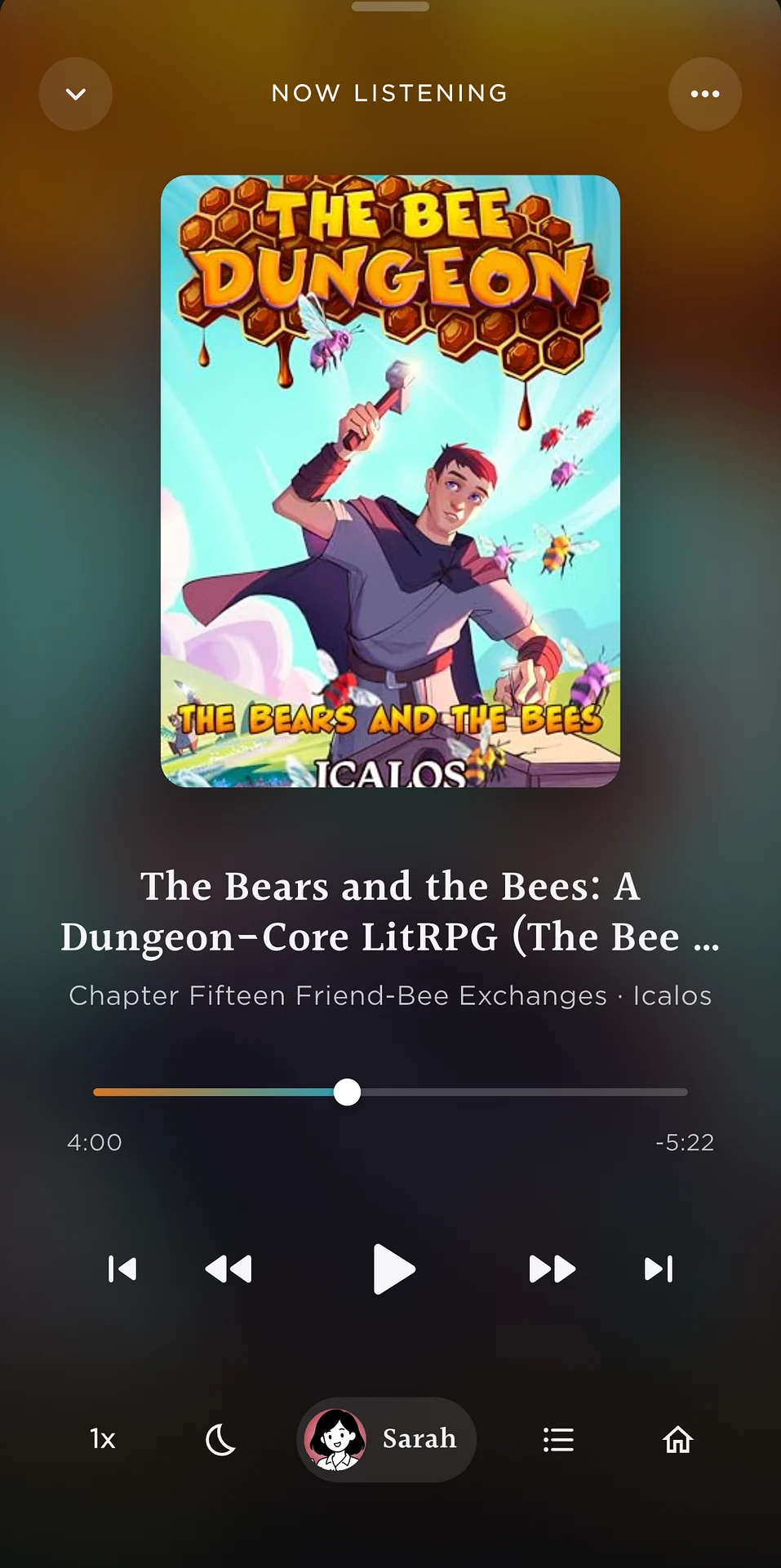
Now Listening in Readible: a book playing like an audiobook, with chapter and playback controls.
Ebook to audiobookEvery format, one player
Short answer

Readible is an ebook-to-audiobook app for iPhone and iPad. Bring in a Kindle book, EPUB, PDF, webpage or printed page, press play, and it reads aloud in a natural voice with lock-screen controls, a sleep timer and your place saved.

Every format

How to get each kind of book into Readible.

FormatIn ReadibleMore
Kindle booksImport Kindle book, then sign in to AmazonKindle to audiobook
EPUBFiles › Share › Readible, or Upload fileEPUB to audio
PDFFiles › Share › Readible, or Upload filePDF to audio
Web novelsBrowse to the chapter and tap Read ThisRoyal Road
ArticlesShare from Safari, paste a link, or browseArticle to audio
Printed pagesScan an image with your cameraGuide
Questions

Good to know.

Can I turn an ebook into an audiobook on iPhone?

Yes. Open the ebook in Readible and press play. It reads aloud in a natural voice and plays like an audiobook. Readible plays the audio inside the app, like an audiobook player, with background and lock-screen playback. It doesn't export MP3 files.

Which ebook formats does Readible support?

Kindle books (through Amazon sign-in), DRM-free EPUB, PDF, webpages and web novels, photos of printed pages, and pasted text.

Do the voices sound natural?

Readible's ultra-realistic cloud voices are designed for long listening. On-device voices sound simpler but work offline for free.

Is it free?

The free plan includes 10 hours of cloud voices every 30 days, one Kindle import a month and unlimited offline voices. Pro is $2.99 a month or $24.99 a year.

Turn your reading pile into listening time.

Download on theApp Store Free on iPhone and iPad

The Readible app icon: an orange book on a dark teal background.