A PDF reader for iPhone that reads aloud.

Open reports, papers and textbooks from Files, iCloud Drive or Mail. Readible turns each PDF into clean text you can read in comfort, or listen to in a natural voice.

Download on theApp Store Free on iPhone and iPad
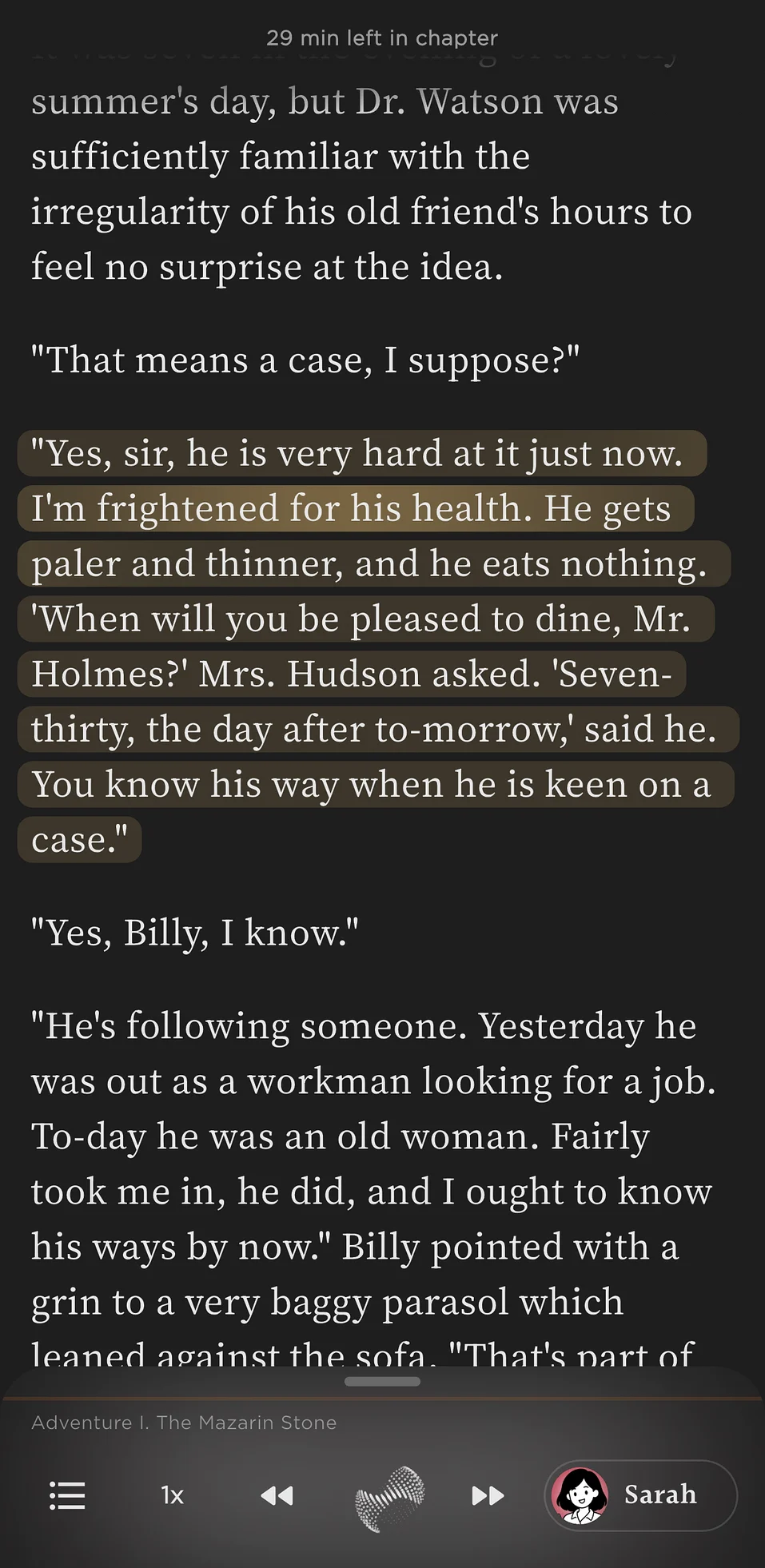
A document being read aloud in Readible, with the current sentences highlighted.
PDF
EPUB & PDFAny book or document
Short answer

Readible is a free PDF reader for iPhone and iPad that reads PDFs aloud. It pulls the text out of the PDF, joins words split across line breaks, leaves out headers and footers that repeat on every page, and reads it in order with natural voices and sentence highlighting.

How to

Open a PDF on iPhone in three steps.

  1. Install Readible from the App Store.
  2. In the Files app, tap the PDF, then the Share button, and choose Readible. Or open Readible and tap Upload file on Home.
  3. Read it in your theme and font, or press play to listen.
Why Readible

Built for long PDFs.

Questions

Good to know.

What's a good PDF reader for iPhone that reads aloud?

Readible reads PDFs aloud in natural voices with sentence highlighting, and skips repeated headers and footers. It's free on iPhone and iPad.

How do I open a PDF in Readible?

In the Files app, tap the PDF, tap Share and choose Readible, or open Readible and tap Upload file on Home.

Can it read scanned PDFs?

Readible reads the text inside a PDF. For printed pages, use Scan an image in Readible to photograph the page and have it read aloud.

Is the PDF reader free?

Yes. Reading PDFs is free, and the free plan includes 10 hours of cloud voices every 30 days plus unlimited offline voices.

Turn your reading pile into listening time.

Download on theApp Store Free on iPhone and iPad

The Readible app icon: an orange book on a dark teal background.