The best text-to-speech apps for iPhone.

Six good ways to have books, documents and articles read aloud on iPhone and iPad, and who each one suits.

Updated

Download on theApp Store Free on iPhone and iPad
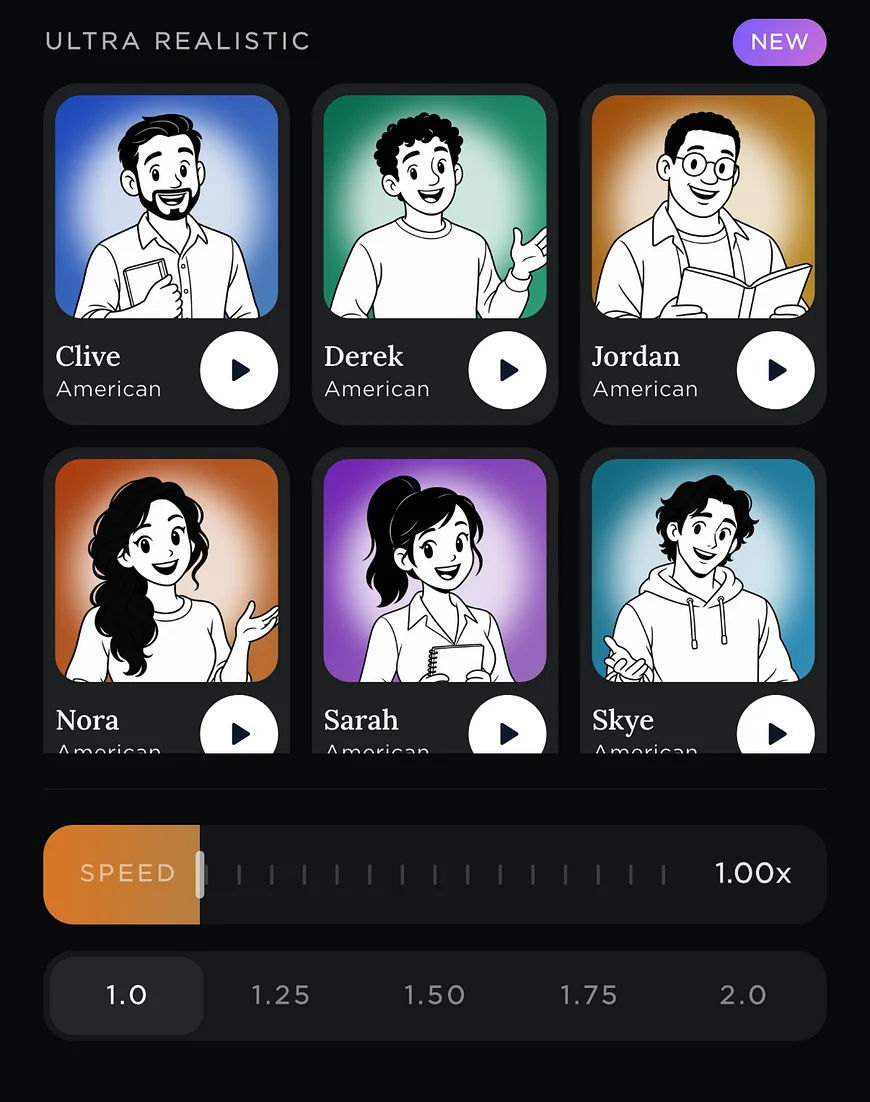
Readible's Ultra Realistic voices with a speed slider.
6 options
iPhone & iPad
Short answer

For Kindle books and the lowest price, Readible. For the most familiar name, Speechify. For ElevenLabs voices, ElevenReader. For a long-standing accessibility reader, Voice Dream Reader. For a free web and app reader, NaturalReader. For nothing to install, iPhone's built-in Speak Screen.

The list

Six picks, and who each suits.

We make Readible, so we've kept the descriptions factual and listed prices only where the company publishes them.

1. Readible

Best for: Kindle books, and the lowest paid price

Reads your Kindle library, EPUBs, PDFs and webpages aloud with natural AI voices and sentence highlighting, on iPhone and iPad. On-device voices work offline for free. Free plan with 10 hours of cloud voices every 30 days; Pro is $2.99 a month or $24.99 a year. See Readible.

2. Speechify

Best for: A widely known all-rounder

One of the best-known read-aloud apps, available on phones, the web and as a browser extension. It has a free plan; Speechify Premium is listed at $29 a month or $139 a year. Readible vs Speechify.

3. ElevenReader

Best for: ElevenLabs voices

Made by ElevenLabs and known for its AI voices. Reads ebooks, PDFs and articles. The free plan includes 10 hours a month; Ultra is $11 a month or $99 a year. Readible vs ElevenReader.

4. Voice Dream Reader

Best for: Long-time accessibility users

A long-standing reader that is popular with blind, low-vision and dyslexic readers, with deep settings for voices and navigation. It moved to a yearly subscription in 2023.

5. NaturalReader

Best for: A free reader on the web and phone

Text to speech on the web and in an app, with a free plan that includes a daily allowance of listening.

6. Speak Screen

Best for: Nothing to install

Built into iOS: turn it on in Settings › Accessibility › Spoken Content and swipe down with two fingers to hear what's on screen. Free, but it uses the built-in voices and can lose its place on long documents. How to use it with Kindle.
How to choose

Three questions to ask.

What do you want to listen to? If it's Kindle books you already own, pick an app that reads your Kindle library. For PDFs and articles, every app here works.

Do you need offline listening? On-device voices keep working on a plane or underground; cloud voices sound more natural but need a connection.

How much will you listen? Free plans suit an hour or two a week. Heavy listeners should compare yearly prices, which range from about $25 to $139 among the apps above.

Questions

Good to know.

What is the best text-to-speech app for iPhone?

It depends on what you read. Readible is best for Kindle books and price, Speechify is the best known, ElevenReader is known for ElevenLabs voices, Voice Dream Reader suits long-time accessibility users, and Speak Screen is free and built in.

Is there a free text-to-speech app for iPhone?

Yes. Speak Screen is built into iOS, and Readible, Speechify, ElevenReader and NaturalReader all have free plans with limits.

Which text-to-speech app can read Kindle books?

Readible reads books from your Kindle library after you sign in to Amazon in the app. Speak Screen can read the Kindle app's screen too.

Which app works offline?

Readible's on-device voices work with no connection on every plan, including the free one, and Speak Screen uses the iPhone's built-in voices offline.

Turn your reading pile into listening time.

Download on theApp Store Free on iPhone and iPad
The Readible app icon: an orange book on a dark teal background.